Your YouTube research. Collected and searchable.
Track how topics trend, peak, and evolve across hundreds of videos.
Researching what someone said on YouTube means watching hours of footage and hoping you find it. ChannelScout collects available channel transcripts, makes your saved text searchable, and tracks how topics trend over time — without watching a single video manually.
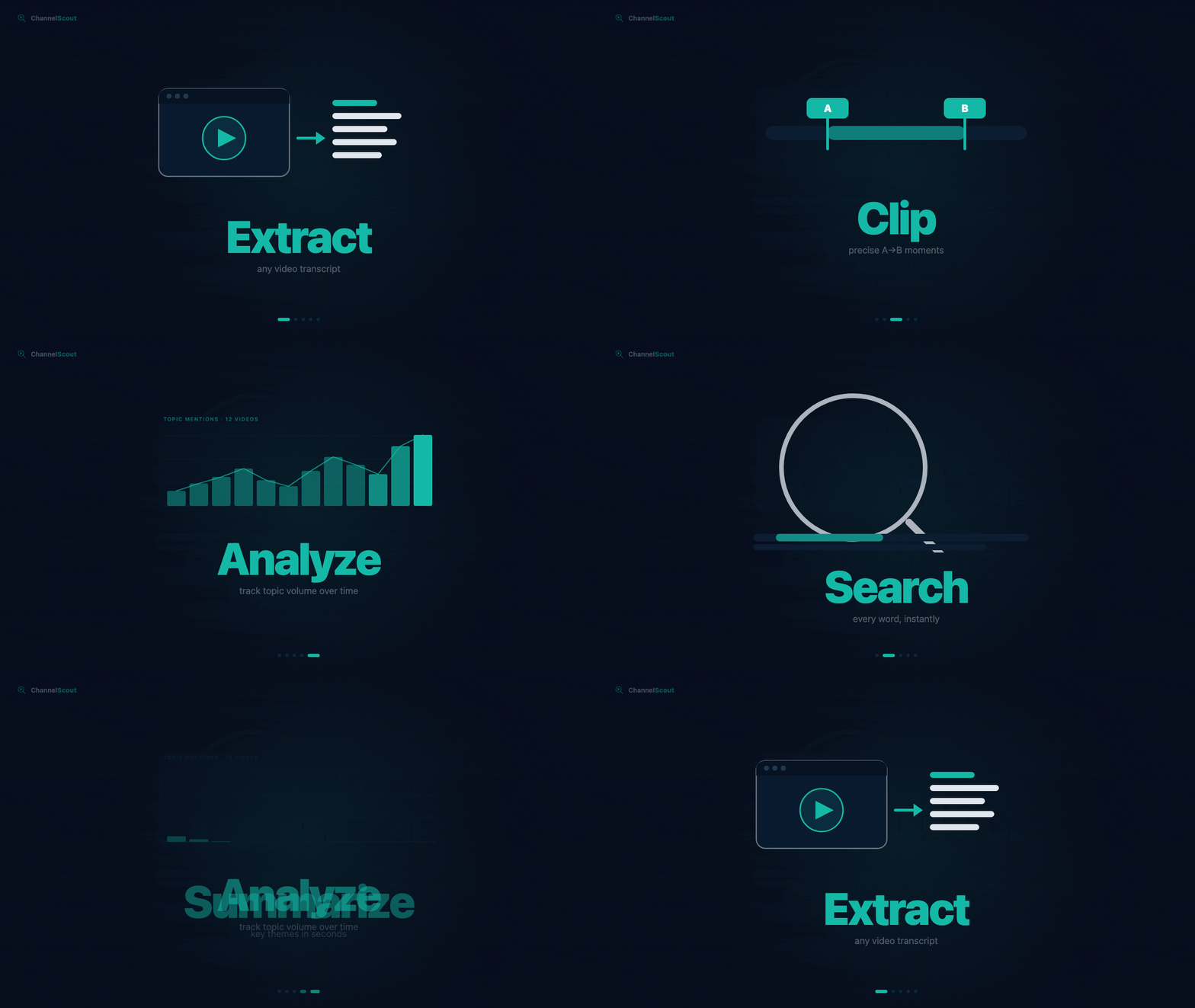
Find quotes in your saved YouTube transcripts.
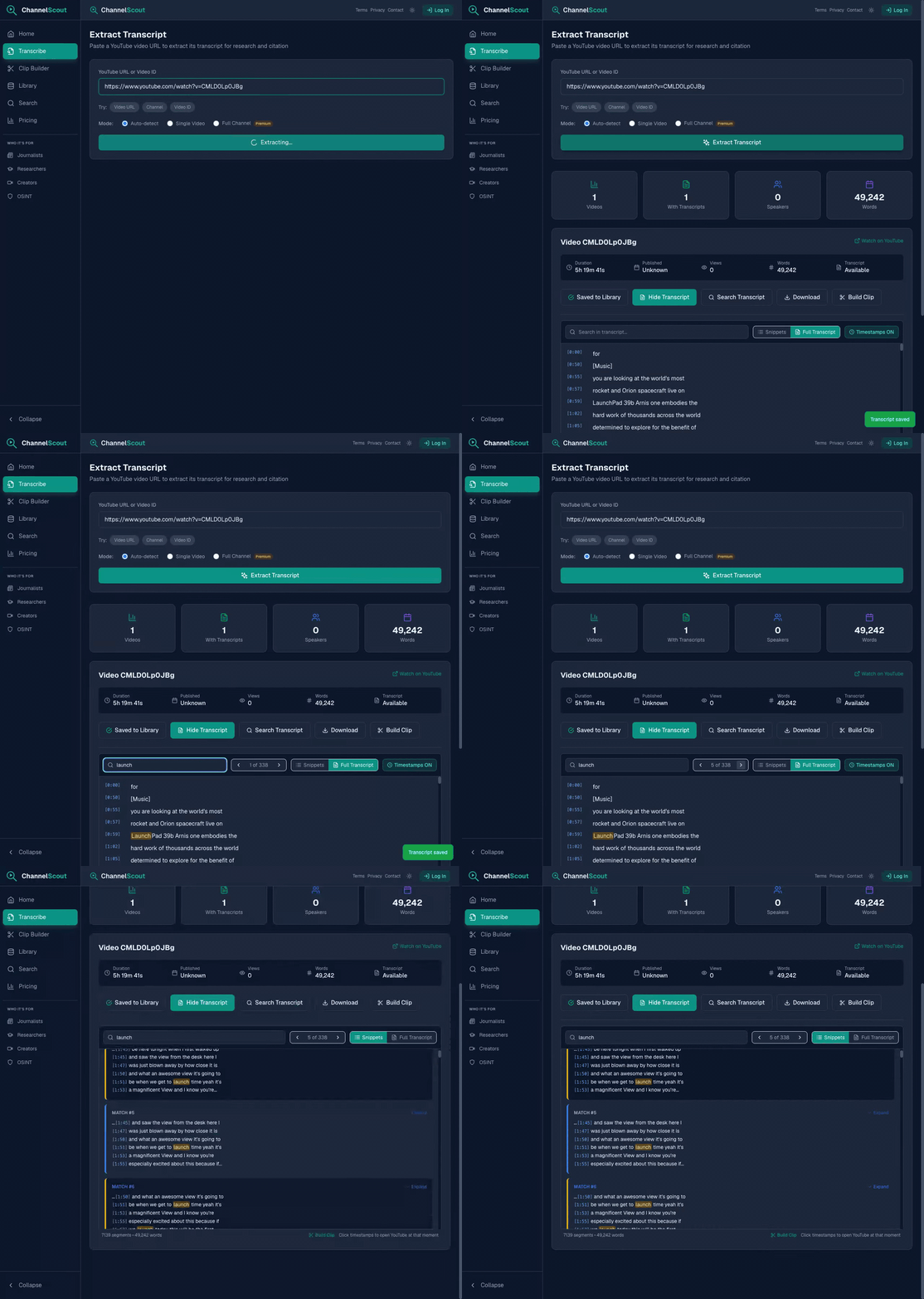
Paste a YouTube URL to collect an available timestamped transcript. Search by keyword, boolean, or regex — every result jumps directly to that moment. Works across an entire channel, not just one video.
- Collect available captions from public videos, channels, and playlists
- Keyword, boolean, or regex — click any result to jump to that exact second
- Choose Whisper AI for accessible videos without captions, within your plan budget
From research to clip — without switching tools.
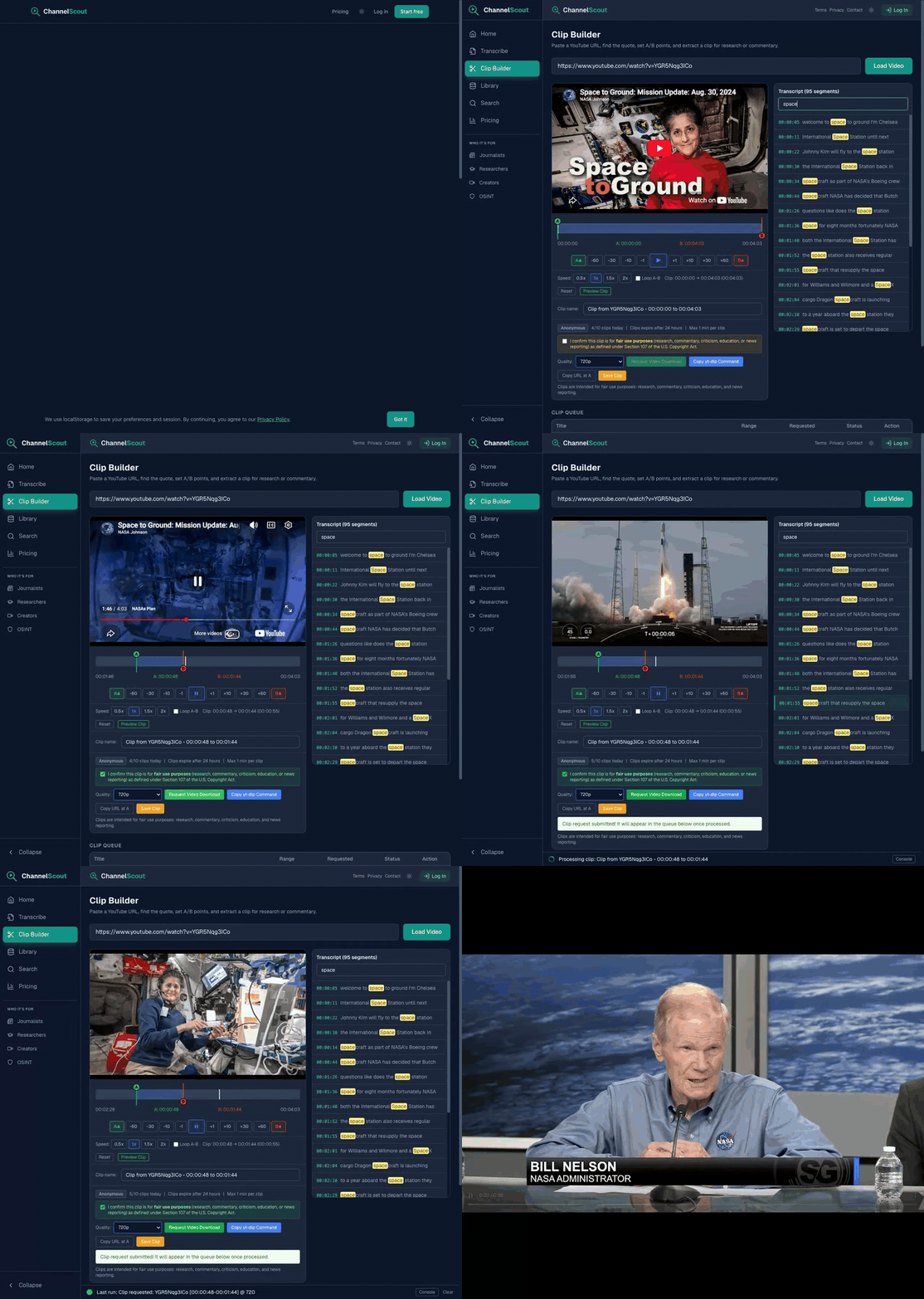
Found what you need in the transcript? Cut the clip right there. Read the transcript alongside the player, set your in and out points with a single click, and request the download. No scrubbing, no editing software, no context switching.
- Transcript loads alongside the player — click any line to seek
- Set A/B in-out points from the current playhead position
- Download in 720p to 4K for commentary, citation, or reporting
See how any topic trends across your entire library.
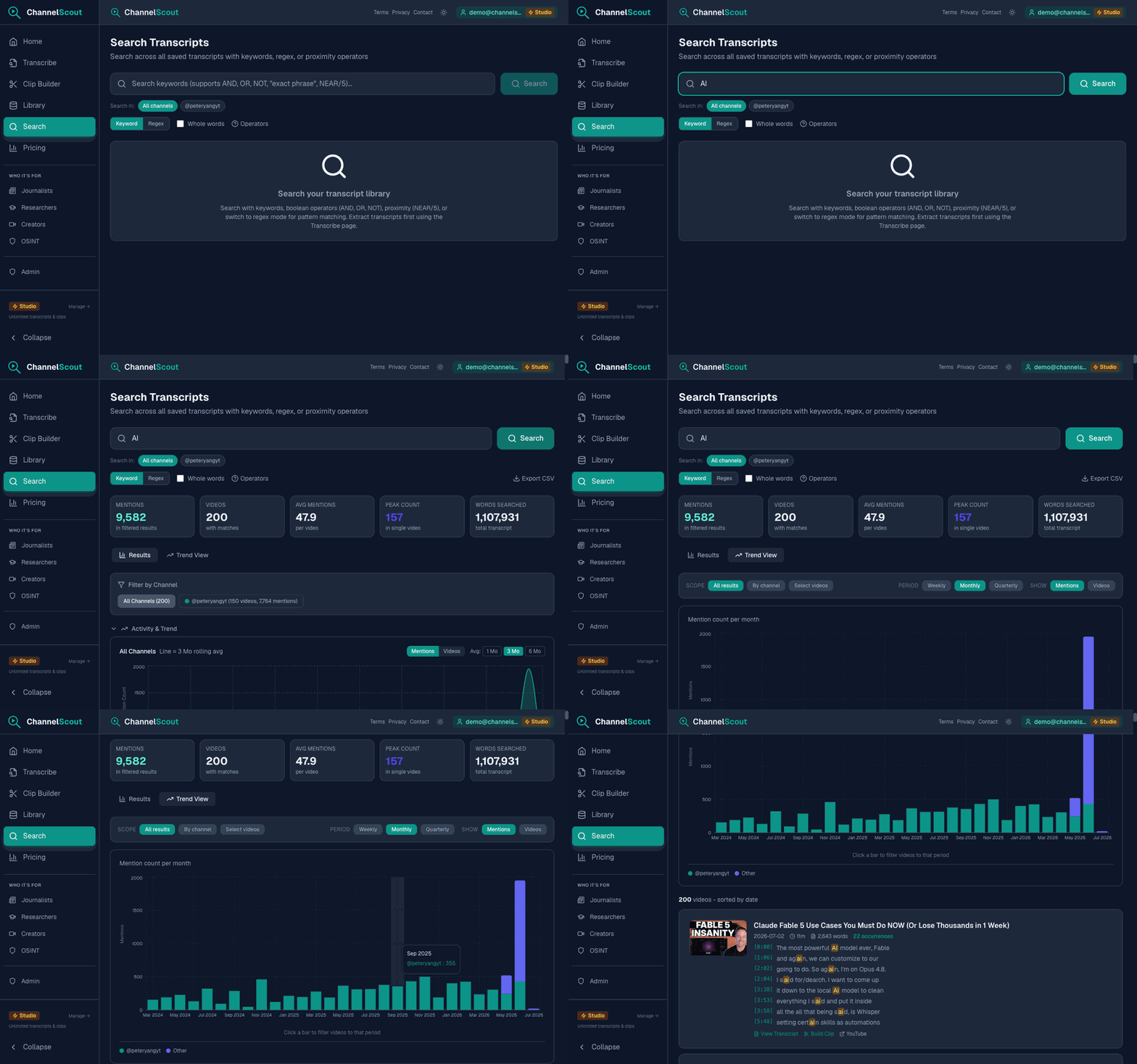
Once you've built a transcript library, search across all of it at once. Find every mention across hundreds of videos, see which creators lead the conversation, and track how topics peak and fade — month by month.
- Keyword, boolean, or regex — instant results across your entire saved library
- Trend View charts monthly and quarterly activity — spot when topics peaked
- Top videos by match count shows which content drives each conversation
- Export matching video summaries to CSV for offline analysis
Why ChannelScout
Extract, search, and analyze in one workspace.
Build a saved transcript library from YouTube channels, find timestamped quotes, and track topics across videos. Large channel jobs run in the background, with progress, cooldowns, and missing-video details available in Library > Jobs.
Extract
Collect available channel captions in a background job. Choose whether to use Whisper for videos without captions.
Search
Keyword, boolean, or regex across your entire saved library. Every match shows the exact timestamp.
Analyze
See how a topic trends month by month across your saved library.
Build a transcript collection for your study workflow.
Collect available captions or choose Whisper for accessible audio without captions. Export the resulting text for use in your notes and research tools.
Practical research guides
Features
Channel & Playlist Research
Index every video on a channel or playlist. Transcripts cached permanently — build a searchable archive that grows over time.
Channel Auto-Collection
Follow any channel and new videos are transcribed automatically, every day. Transcripts land in your library without pasting a single URL. Free to try, more channels on Pro and Studio.
Quote Finder
Locate exact quotes by keyword, boolean, or regex. Click any result to jump to that second in the video.
Competitor Strategy
Decode what any channel is doing — topics, patterns, and talking points — across their entire library.
Citable Timestamps
Every quote is timestamped. Export as Markdown where each timestamp is a real YouTube link.
Multi-Format Export
Markdown with clickable YouTube links, CSV, SRT subtitles, or plain text — with or without timestamps.
AI Analysis
Click "Summarize with AI" on any transcript for an instant structured summary: TL;DR, key points, notable quotes, and topic tags — powered by Claude AI.
Works Without Captions
Choose captions only for a batch, or opt into Whisper AI for accessible videos without captions. Whisper uses your plan’s separate job and minute allowance. Members-only and other restricted videos may require an authorized transcript import.
Any URL — Not Just YouTube
Paste a Vimeo, SoundCloud, TED.com, or other public video URL and get a full transcript. Powered by yt-dlp — works with hundreds of public video platforms.
Upload Your Own Files
Drop an MP3, MP4, WAV, M4A, or other audio/video file (up to 25MB) and get a full AI transcript. Video uploads can also be clipped in the Clip Builder.
Perfect For
Researchers & Academics
Cite video sources with precise timestamps. Build a permanent transcript corpus that stays searchable.
See how →Journalists & Reporters
Find and verify exact quotes for news coverage. Export with clickable YouTube timestamp links.
See how →Content Creators
Decode competitor strategies — topics, hooks, CTAs — then clip exactly what you found.
See how →Commentators & Critics
Extract clips for commentary and critique without leaving the research flow.
OSINT Analysts
Search names, claims, and locations across an entire channel. Build a permanent intelligence archive.
See how →Students & Self-Learners
Collect lecture captions or transcribe accessible audio. Build a searchable study library, clip key moments, and export to NotebookLM.
See how →ChannelScout is designed for fair use purposes including research, commentary, criticism, education, and news reporting.